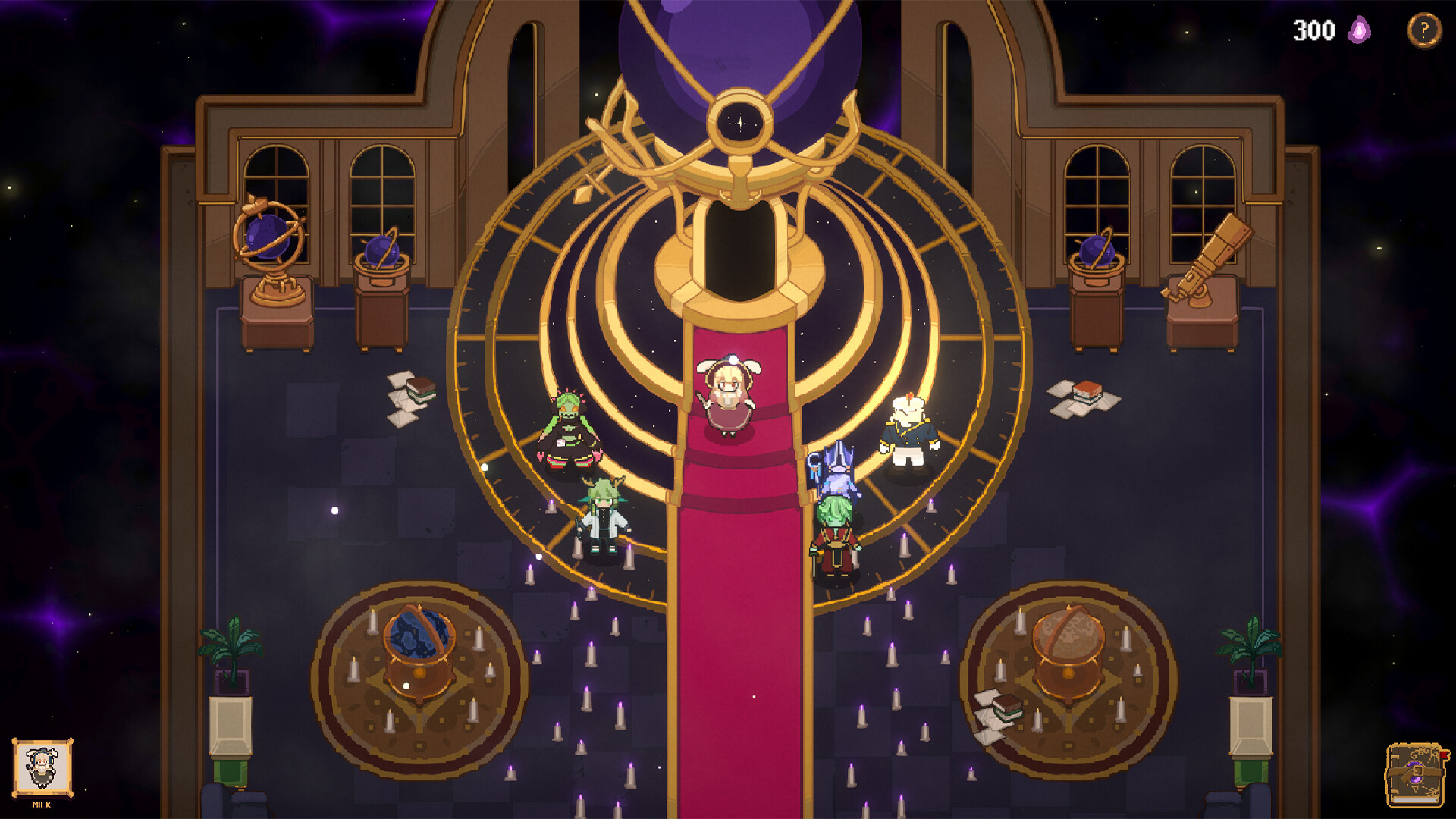
How to draw spells in The Magus Circle
A sigil fails for four documented reasons: bad stroke angle, drawing too slowly, frame drops, or per-spell recognizer quirks — redraw upright and faster, and check your FPS before blaming your hand.
Spells in The Magus Circle fire when you draw the arcane sigil by hand — there is no hotbar button. The official line is forgiving: "You don't need to be an artist. Even the most crudely drawn sigils still hold magic within" (Steam store page). But demo players found the recognizer still has edges. This page is what is officially documented plus what 195 demo reviews actually report.
The three inputs, and the one official fix
| Input | Official status | Notes from demo players |
|---|---|---|
| Mouse | Recommended | Works out of the box; the default way to play. |
| Drawing tablet | Supported | Official fix: if it uses Microsoft Ink, disable that setting or strokes won't register. A 14-hour demo player draws with a pen and calls it the best way to play. |
| Touch screen | Supported | Listed as supported; a few demo players use it, no widespread complaints found. |
| Controller | Supported | Works via button press mode — the official accessibility alternative to drawing. |
Why a sigil fails (before you blame your hand)
Demo reviews converge on four failure causes:
- Angle. Strokes "won't register if drawn at an aggressive angle relative to upright" (5.5h player). If a spell silently fails, redraw it more upright.
- Speed. One critical review: sigils "get reset if you're not quick enough to draw them completely." Hesitation mid-stroke costs the cast.
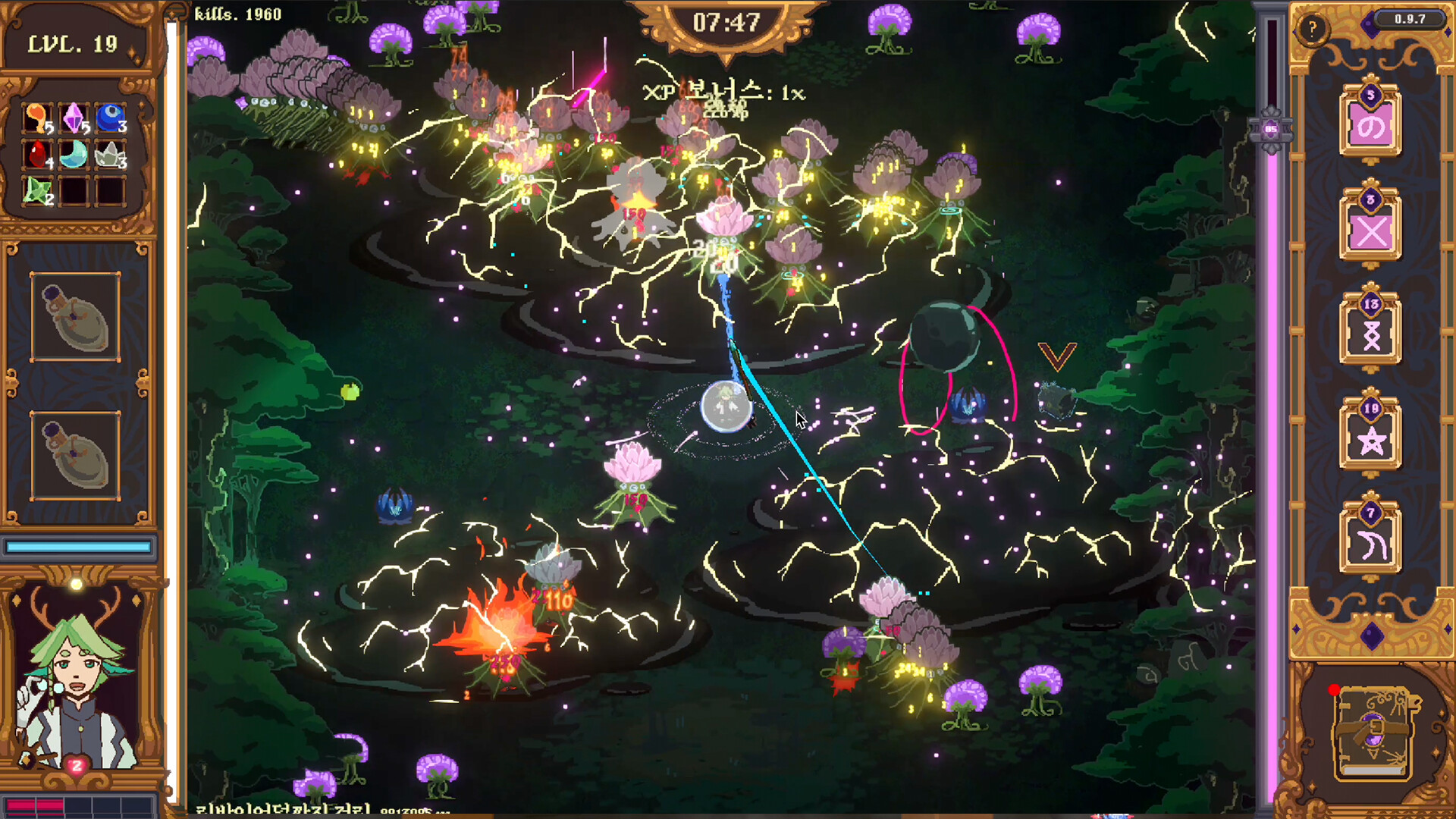
- Performance. "Lagging means drawing sigils doesn't work half the time" (critical review on a recommended-spec laptop). Frame drops eat strokes — drop graphics settings first.
- Recognizer quirks per spell. Concrete examples players named: X sometimes delays or gets ignored even when drawn clearly; Chain Lightning is "kind of a skill issue" hard; Fireball needs two separate strokes; Thunderstorm is so forgiving a single line counts (0.9h tablet player).
Casting under pressure: the real skill
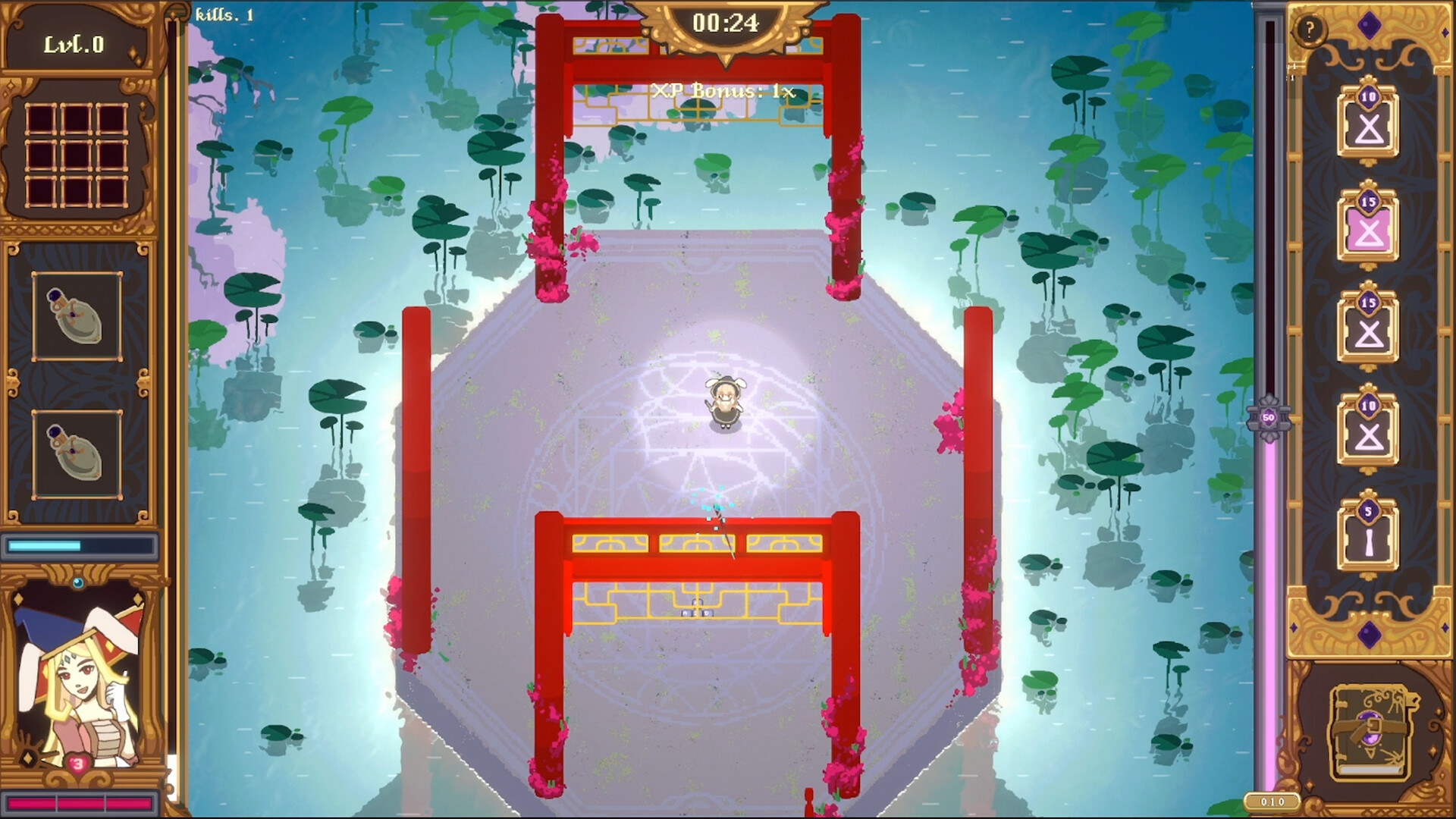
The loop is multitasking: move to dodge, then draw. Player verdicts from the demo:
- "The multitasking with dodging enemies and drawing complicated sigils is quite hectic in a good way."
- "I really feel like there's a good level of skill expression with both movement and using spells."
- Mana stops spam: the mana limit means "you can't just spam really good spells, which is good prevention against learning only one sigil" (0.8h player).
Practical loop for a wave: circle the horde at the edge → find a gap → draw your cheap sigil fast → keep moving while the cast resolves → save mana-cost spells for when the gap closes.
If drawing feels like a chore, use the accessibility tools
Officially supported, no stigma attached:
- Slow time while drawing or freeze time while drawing — official accessibility settings.
- Button press mode — cast without drawing; the developer recommends it for controller players.
- Both are also listed on Steam as Adjustable Difficulty and Playable without Timed Input.
A critical demo player found the repeated drawing "mentally fatiguing" — these settings exist exactly for that.
Quick reference
- Spell fails → redraw more upright, faster, check FPS first.
- Tablet dead → turn off Microsoft Ink.
- Hand tired → enable slow/freeze time or button press mode.
- Controller → use button press mode, per developer recommendation.